nps




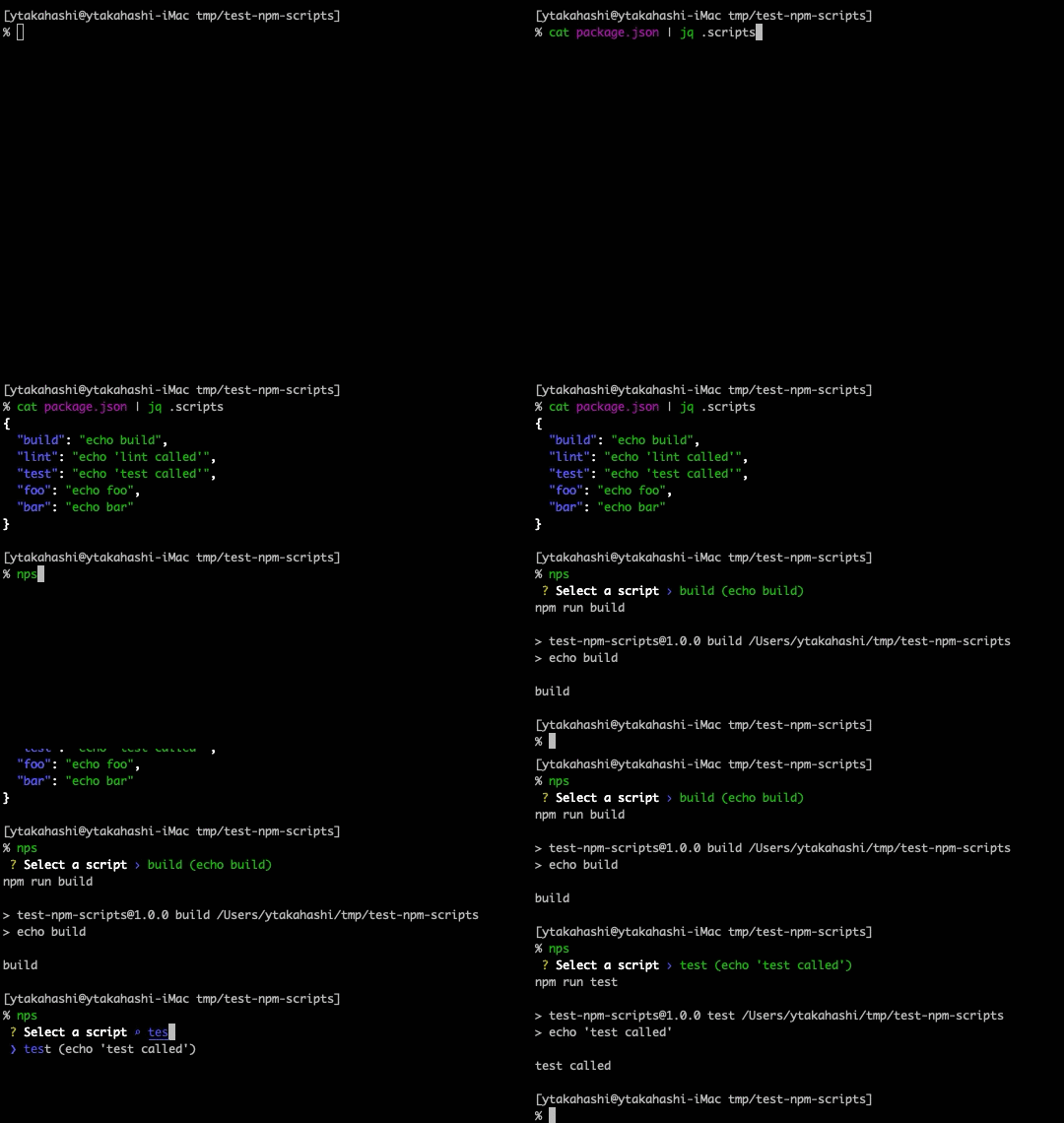
Interactive npm-scripts runner for Node.js projects.
Install
deno install --global --allow-read --allow-run --allow-env https://deno.land/x/nps/nps.tsUpdate
deno install --global --force --reload --allow-read --allow-run --allow-env https://deno.land/x/nps/nps.tsUsage
Run following command in Node.js project.
npsIf bun.lock, bun.lockb, package-lock.json, yarn.lock, or pnpm-lock.yaml exists in the directory, the appropriate command (bun, npm, yarn, or pnpm) will be executed to run the selected script.
See nps -h for details.
Filter npm-scripts
If an argument is provided, scripts are filtered by the value and prompt shows filtered items.
If given value matches only one script, the command is run immediately.
Pass arguments to command
Arguments after double dash (--) are treated as script command option like npm run.
All the arguments after the -- are passed directly to selected script.
zsh completion
nps can add package.json script completion to npm run, npm run-script, pnpm run, yarn run, and bun run.
Add the following line to your .zshrc.
eval "$(nps --init-completion zsh)"After setup, script names are completed from the current directory’s package.json.